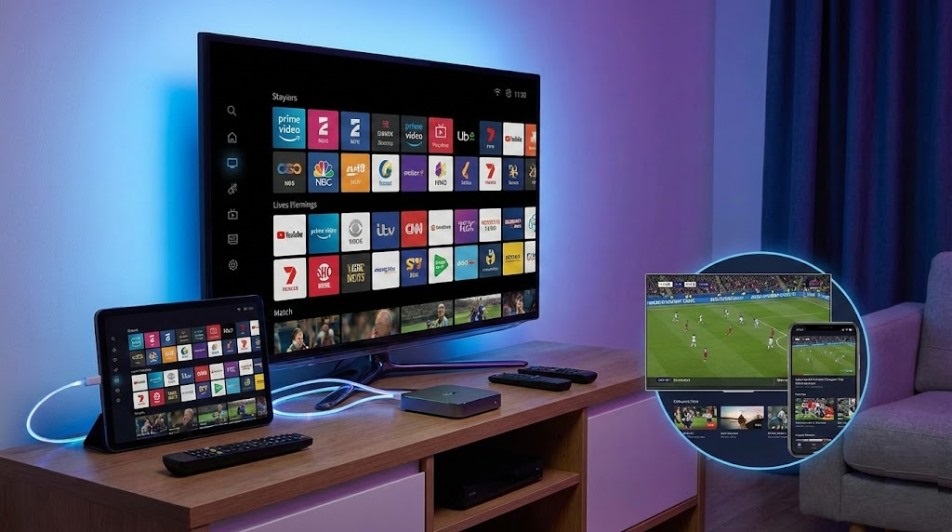
Choosing a live TV streaming provider in 2026 is less about finding “everything for cheap” and more about finding a stable, licensed service that reliably works in your ZIP code. Channel rights, local affiliate coverage, sports blackouts, and device support vary widely—so the safest approach is to compare providers using a consistent checklist, then verify details on the provider’s own site before subscribing.
This guide ranks 10 mainstream, widely used options in the U.S. and explains who each service is best for, what to verify before you pay, and how to avoid common pitfalls.
How We Ranked & Rated (Pragmatic Criteria)
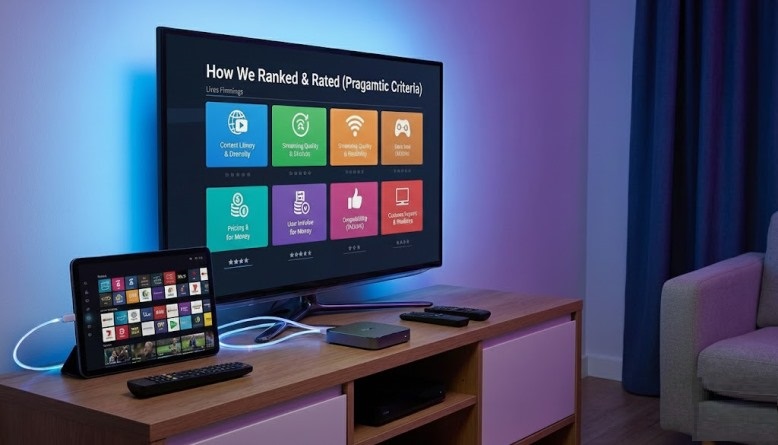
We scored each provider on factors that materially affect day-to-day use:
- Legitimacy & transparency: clear terms, billing, and support channels
- Local channels & regional coverage: availability differs by market
- Sports & news reliability: including add-ons and blackout risks
- DVR & playback controls: usability matters as much as storage
- Streams & household support: simultaneous streams and profile features
- Device support & stability: Roku/Fire TV/Apple TV/mobile/web performance
- Value: total cost after add-ons, not just the entry price
Important: Pricing and channel lineups change often. Treat any plan details as “check before you buy,” not as permanent facts.
Top 10 Providers Ranked & Rated (U.S.)
| Rank | Provider | Overall Rating (10) | Best for |
|---|---|---|---|
| 1 | YouTube TV | 9.4 | Most balanced cable-replacement experience |
| 2 | Hulu + Live TV | 9.1 | Live TV + strong on-demand bundle value |
| 3 | DirecTV (Streaming) | 8.7 | Regional sports/network depth (market-dependent) |
| 4 | Fubo | 8.6 | Sports-first households |
| 5 | Sling TV | 8.4 | Lower-cost customization |
| 6 | Philo | 8.1 | Entertainment on a budget (no locals) |
| 7 | Frndly TV | 7.8 | Family-friendly basics at low cost |
| 8 | Vidgo | 7.5 | Simple live-TV option (verify lineup carefully) |
| 9 | Pluto TV (FAST) | 7.3 | Free “lean-back” channels (ad-supported) |
| 10 | Tubi (FAST) | 7.2 | Free viewing with rotating content (ad-supported) |
Provider-by-Provider Notes (What to Expect, What to Verify)
1) YouTube TV — 9.4/10
A strong “default” choice for people who want a modern interface, broad availability, and a robust DVR experience. Verify local channel carriage in your area and review any sports add-on terms before committing.
2) Hulu + Live TV — 9.1/10
Best fit if you value a bundle that also includes a major on-demand library. Before subscribing, confirm which version of Hulu you’re getting (ad/no-ad options can differ) and check local affiliate availability.
3) DirecTV (Streaming) — 8.7/10
Often chosen for channel depth and traditional-TV familiarity, including market-specific sports networks in some locations. Be cautious: plan tiers and regional availability can be complex, so confirm the exact lineup for your ZIP code.
4) Fubo — 8.6/10
A sports-forward option with features aimed at live viewing. The key step is to confirm the channels that matter to you (especially national networks and league coverage) because rights deals change over time.
5) Sling TV — 8.4/10
Good for price-sensitive viewers who don’t need every local channel built-in. Sling is strongest when you’re willing to mix a smaller base plan with targeted add-ons—and possibly supplement locals with an antenna, depending on where you live.
6) Philo — 8.1/10
A practical pick for entertainment and lifestyle channels at a lower cost, but it typically doesn’t include local broadcast stations or many sports staples. It works best as a “second subscription” in a household that already has locals another way.
7) Frndly TV — 7.8/10
A simpler, lower-cost option centered on family-oriented networks. Treat it as a focused lineup rather than a full cable replacement; verify DVR limits, simultaneous streams, and any must-have channels.
8) Vidgo — 7.5/10
A straightforward live TV service that may appeal to viewers who want an alternative to the biggest brands. Because lineups can vary, confirm the current channel list, device compatibility, and support responsiveness before paying for a longer term.
9) Pluto TV (FAST) — 7.3/10
A legitimate free option (FAST = free ad-supported streaming TV). It’s useful as a supplement, not a replacement, because you’re trading subscription fees for ads and a lineup that isn’t designed around local stations or premium sports.
10) Tubi (FAST) — 7.2/10
Another major free platform with broad device support and rotating content. Best for casual watching; don’t expect it to mirror cable-style channel bundles.
Safety Checklist: Avoid Costly Mistakes
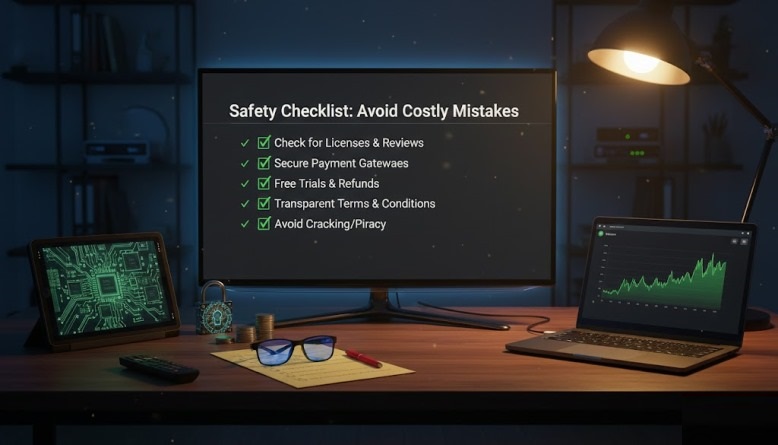
If you’re comparing iptv providers, keep this checklist in front of you:
- Confirm legality signals: clear website, transparent billing, refunds, and customer support contacts.
- Check ZIP-code locals: “local channels included” can mean “some markets only.”
- Audit sports needs: RSNs, league networks, and blackouts are where disappointment happens.
- Test on your real devices: try mobile + living room device before switching the household.
- Budget for add-ons: the cheapest base plan can become expensive once you add sports/premiums.
If your goal is the best iptv experience, prioritize reliability and transparency over unrealistic promises.
Conclusion
For most U.S. households heading into 2026, YouTube TV and Hulu + Live TV remain the most broadly useful “cable replacement” choices, while Sling TV and Philo serve specific budget or channel-style niches. FAST apps like Pluto TV and Tubi are excellent supplements, but they’re not built to replace locals and premium sports.
When choosing among iptv services, treat every decision as a quick verification project: confirm local availability, the exact lineup, total monthly cost after add-ons, and the devices you’ll actually use. That’s how you land on the best iptv service for your household without overpaying—or losing channels you assumed were included. Finally, pick one iptv service, test it for a week, and only then cancel your old setup.
FAQs
1) What’s the safest way to trial a live TV streaming provider without getting locked in?
Start monthly (not annual), use a dedicated email for subscriptions, and test during a week with your normal viewing: prime time, weekend sports, and morning news. Cancel immediately after the trial if core channels or playback reliability aren’t there.
2) Do I need special internet speed for stable live TV streaming?
More than raw speed, you need consistent bandwidth and low congestion at home. If your stream buffers, try Ethernet to the streaming device, upgrade your router placement, and test during peak evening hours to see your real-world performance.
3) How can I reduce the chance of losing access to local broadcast channels?
Use redundancy: verify in-app locals first, then consider a basic over-the-air antenna as a fallback for major broadcast networks in case carriage agreements change or your market coverage is limited.